
Key facts
Start here
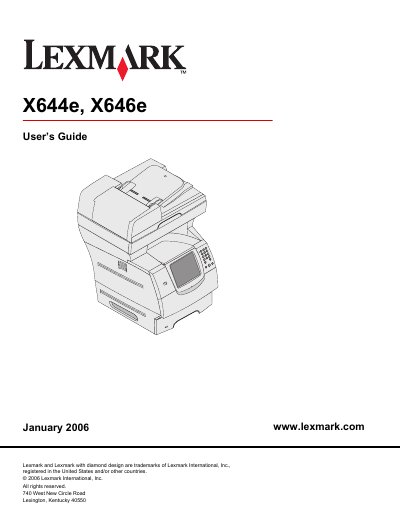
Lexmark X644e X646e User Guide
This guide covers everything needed to install, configure, and use the Lexmark X644e and X646e multifunction printers. It includes safety information, hardware specifications, and step‑by‑step procedures for copying, scanning, faxing, emailing, and printing.
The manual also details how to install optional accessories, maintain the device, troubleshoot common problems, and manage administrative settings such as security, hard‑disk wiping, and network configuration.
Lexmark X644E specifications
| Input capacity | 500 sheets |
|---|---|
| Standard memory | 256 MB |
| Maximum memory capacity | 768 MB |
| Hard drive | No (X644e), Yes (X646e) |
| Duplex ability | Duplex in, simplex out (X644e/X646e); Duplex in, duplex out (X646dte) |
Source: Lexmark X644e X646e User Guide
All Lexmark X644E documents by type
Day-to-day operation, settings and troubleshooting. Start here if the product is already set up.
Questions answered in these manuals
What type of power outlet should be used?
Connect the power cord to a properly grounded electrical outlet that is near the product and easily accessible.
What kind of telephone cord is required for fax operation?
Use a 26 AWG or larger RJ‑11 telecommunications cord when connecting the product to a public switched telephone network.