
Key facts
Start here
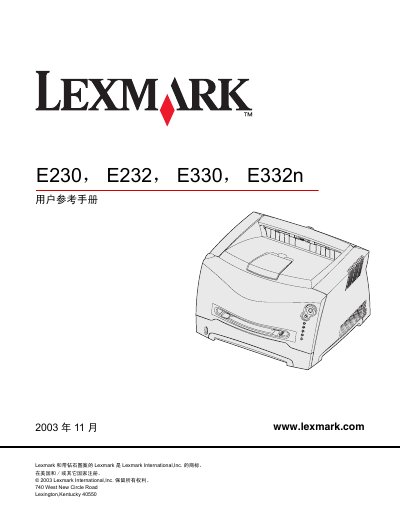
Lexmark E230/E232/E330/E332n User Reference Manual
This manual introduces the Lexmark E230, E232, E330 and E332n laser printers, covering safety notices, laser warnings, FCC/CE compliance and energy‑saving features. It describes the printer’s hardware layout, media handling options such as paper, envelopes, labels, transparencies and card stock, and provides guidance on loading media and using the rear output.
The guide also details operation of the control panel, configuration menus (parallel, USB and network), installing optional accessories, managing consumables, and troubleshooting common problems like print quality issues, paper jams and toner cartridge errors. This manual is written in Chinese.
Lexmark E230 specifications
| Printing power consumption | 370 W |
|---|---|
| Ready mode power consumption | 65 W |
| Power‑save mode consumption | 6 W |
All Lexmark E230 documents by type
Day-to-day operation, settings and troubleshooting. Start here if the product is already set up.
Questions answered in these manuals
How can I change the power‑save timeout?
Use the printer’s configuration menu to set the power‑save timeout anywhere from 1 to 240 minutes.
How do I clean the print‑head lens?
Gently wipe the lens with a clean, dry, lint‑free cloth.
How can I change the power‑saver timeout?
Use the printer configuration menu to modify the “省電模式逾時”; the value can be set between 1 minute and 240 minutes.
From: Lexmark E230/E232/E330/E332n Printer User Reference Manual
What are the FCC compliance conditions for this printer?
The device must not cause harmful interference and must accept any interference it receives.
From: Lexmark E230/E232/E330/E332n Printer User Reference Manual