
This is a quick guide for Canon ECOSYS M4125idn ECOSYS M4132idn
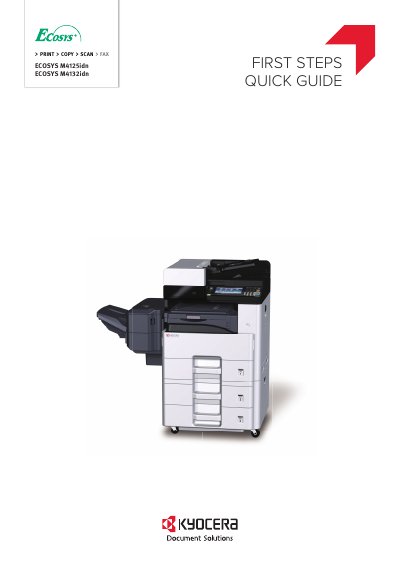
This guide explains basic operations such as printing, copying, scanning, and faxing. It also covers setup steps like unpacking, loading paper, connecting cables, and handling paper jams. For detailed instructions, refer to the Operation Guide (B) on the Product Library disc.
The guide is multilingual, providing instructions in multiple languages including English, Spanish, French, German, Italian, Portuguese, Russian, Chinese, Japanese, Korean, Polish, Turkish, and others.
This guide explains basic operations such as printing, copying, scanning, and faxing.
For other information, see Operation Guide (B) on the Product Library disc.
If paper jam occurs, follow the guidance on the operation panel to remove paper.