
ECOSYS M4125idn ECOSYS M4132idn Quick Start Guide

This is a quick start guide for ECOSYS M4125idn ECOSYS M4132idn, which introduces the functions of printing, copying, scanning, and faxing.
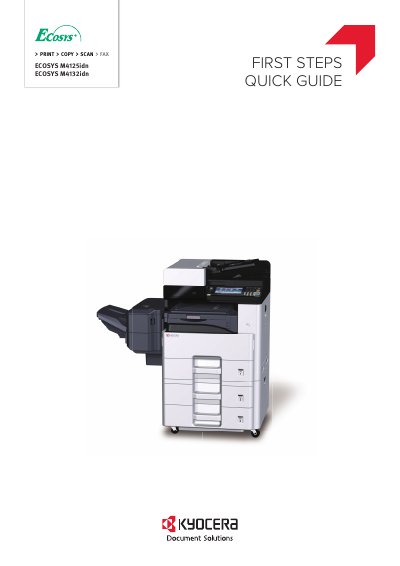

ECOSYS M4125idn ECOSYS M4132idn Quick Start Guide - cover page
Brand
Kyocera
Category
Printer
Document type
Quick Start Guide
Language
English
Pages
44
File format
PDF
File size
5.3 MB
Published
17 October, 2023
Updated
17 October, 2023
MD5 checksum
AEC1ED11813E8B06F4EDDF3FE8A0C4D1

About this manual

This document serves as a quick guide for the Kyocera ECOSYS M4125idn and ECOSYS M4132idn. It explains basic operations and first steps for setting up the machine. For detailed information, users are directed to the Operation Guide available on the Product Library disc.

What's inside

  • Preface
  • Unpacking
  • Unlock Scanner Lock
  • Load Paper
  • Connect Cables
  • Replace Operation Panel Sheet
  • Clear Paper Jam

Frequently asked questions

What does this guide explain about the machine?

This guide only explains the basic operations of the machine.

Where can I find more information about the machine?

For other information, see Operation Guide (B) on the Product Library disc.

What should I do if a paper jam occurs?

Follow the guidance on the operation panel to remove paper.

Download PDF (5.3 MB)

More Kyocera Manuals


View all Kyocera manuals →