
This document is the Chinese user manual of bizhub C250 copier
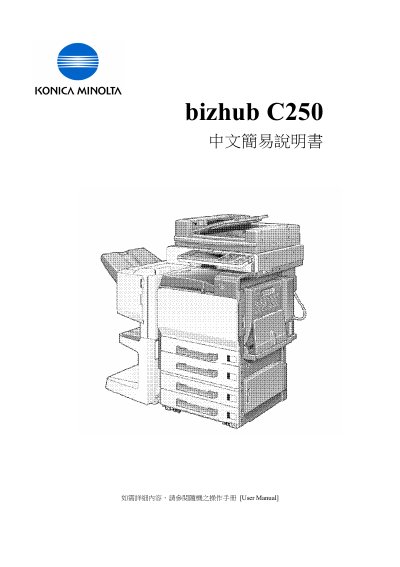
This manual covers the basic functions of the bizhub C250 multifunction printer, including power‑save settings, touch‑panel navigation, and access to features such as copy, scan, fax, and print. It lists menu items like Power Save, Touch Panel, Main Power Indicator, and Utility/Counter, guiding users through each operation.
Detailed sections describe paper handling, color modes, zoom adjustments, duplex printing, and copy/booklet settings. Users can select standard or custom paper sizes, adjust contrast and display, and use the Simplex/Duplex mode for double‑sided printing. The manual also includes troubleshooting steps and reset procedures. This manual is written in Chinese.
Choose the Simplex / Duplex option in the print settings.
Use the Zoom function in the menu to set the desired zoom.