
Jabra GN2000 USB Headset Firmware Upgrade Guide

Step-by-step instructions to upgrade firmware for Jabra GN2000 USB headsets, including Standard, Microsoft OC/Lync, and CIPC(Cisco) versions.
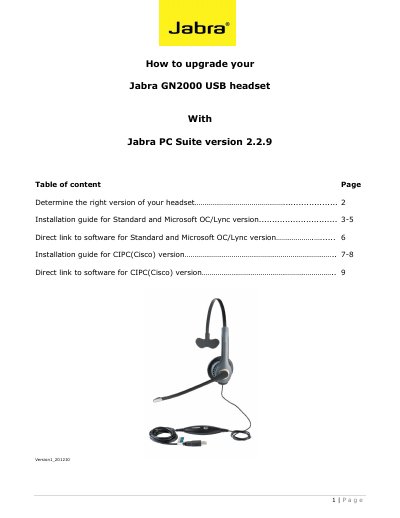

Jabra GN2000 USB Headset Firmware Upgrade Guide - cover page
Brand
Jabra
Document type
User Manual
Language
Chinese
Pages
9
File format
PDF
File size
429 KB
Published
09 November, 2026
Updated
09 November, 2026
Model
GN2000
MD5 checksum
1292A2AE7F45527F057833E2BD4A2029

About this manual

This guide explains how to upgrade the firmware of Jabra GN2000 USB headsets. It covers different versions: Standard, Microsoft OC/Lync, and CIPC(Cisco). Each version has specific installation steps and software links. For Standard and Microsoft OC/Lync versions, users must update Jabra PC Suite to version 2.2.9 before proceeding. For CIPC(Cisco) versions, users must avoid installing Jabra PC Suite to preserve Remote Call Control functionality. This manual is written in Chinese.

What's inside

  • Determine the right version of your headset
  • Installation guide for Standard and Microsoft OC/Lync version
  • Direct link to software for Standard and Microsoft OC/Lync version
  • Installation guide for CIPC(Cisco) version
  • Direct link to software for CIPC(Cisco) version

Frequently asked questions

What is the latest version of Jabra PC Suite required for firmware updates?

Update to version 2.2.9 before updating the Jabra GN2000 USB headset.

Can I use Jabra PC Suite with CIPC(Cisco) versions?

No, installing Jabra PC Suite will result in loss of Remote Call Control functionality.

How do I activate the mute function on the headset?

Press the middle of the volume button. A red light will indicate when mute is active.

Download PDF (429 KB)

More Jabra Manuals


View all Jabra manuals →