
Key facts
- Brand
- Intel
- Model
- P31
- Category
- Other device
- Documents
- 2
- Languages
- ZH
- Last added
- 2012-04-05
Start here
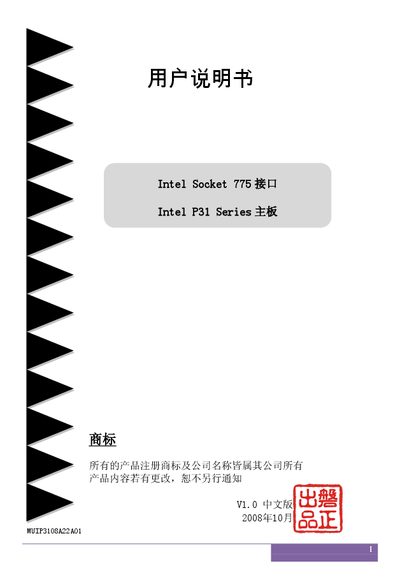
Intel P31 Series Socket 775 Motherboard User Manual
This manual provides detailed instructions for installing and configuring the Intel P31 Series motherboard built on the Socket 775 interface. It includes safety guidelines, hardware layout, BIOS features, and troubleshooting codes.
The document also lists the technical specifications such as supported CPUs, memory types, expansion slots, and peripheral interfaces, along with warranty and service information for the product. This manual is written in Chinese.
Intel P31 specifications
| CPU Socket | Socket 775 |
|---|---|
| Chipset | Intel P31 + ICH7 |
| Memory Slots | 2 DDR2 SDRAM DIMM slots |
| Supported DDR2 Memory Speed | DDR2 667/800 |
| Maximum Memory Capacity | 4 GB |
| PCI Express Slots | 2 x1, 1 x16 |
| SATA Ports | 4 SATA II (300 MB/s) ports |
| USB Ports | 8 USB 2.0 ports |
| Network Interfaces | 10/100 Ethernet (optional) and Gigabit Ethernet (optional) |
| Audio Channels | 6‑channel Realtek ALC6XX/8SXX |
| BIOS | Award Plug&Play BIOS with Q‑Boot |
All Intel P31 documents by type
Day-to-day operation, settings and troubleshooting. Start here if the product is already set up.
Questions answered in these manuals
What CPU socket does the motherboard use?
The motherboard uses the Socket 775 interface.
How many USB 2.0 ports are available on the board?
The board provides eight USB 2.0 ports (six on the rear panel and two additional ports).
Which CPUs can be installed on the P31/G31A(K) motherboard?
The board supports CPUs with FSB speeds of 533, 800, 1066 or 1333, including Intel Pentium HT, Conroe, Pentium 4, Pentium D, Core 2 Duo and Core 2 Quad processors for Socket 775.
How much DDR2 memory can the motherboard handle?
It can accommodate up to 4 GB of DDR2 memory, operating at 533, 667 or 800 MHz in single or dual‑channel mode.