
The HP Scanjet 2400 is a multi-function scanner that can scan documents, photos, handwritten notes, etc. It supports 1200 dpi scanning resolution and can scan 3D objects. It also supports OCR function.
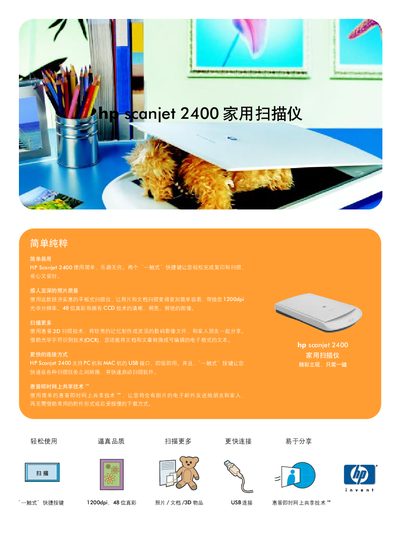
The HP Scanjet 2400 is a flat‑bed scanner offering 1200 dpi optical resolution, 48‑bit true‑color output, and USB 2.0 connectivity. It supports fast scanning (14 seconds for a full‑color scan) and includes OCR and email functions. The device can handle documents up to 216 × 297 mm (8.5 × 11.7 in) and weighs 2.2 kg.
The manual lists system requirements such as Windows 98/ME/2000/XP (Home and Professional) and Mac OS 9.1/OS X 10.1.5+, a Pentium‑class processor, 64 MB RAM, and a USB port. Package contents include the scanner, USB cable, user guide, installation CD, and software tools. Warranty information and compliance certifications are also provided. This manual is written in Chinese.
| Optical resolution | 1200 dpi |
|---|---|
| Maximum document size | 216 × 297 mm (8.5 × 11.7 in) |
| Interface | USB 2.0 compatible |
| Weight | 2.2 kg |
| Dimensions | 458 × 275 × 615 mm |
| Supported file formats (PC) | BMP, TIFF, GIF, JPEG, FPX, PCX, PNG, TXT, PDF, HTML, RTF |
The scanner provides an optical resolution of 1200 dpi, with a hardware resolution of 1200 × 1200 dpi and an enhanced resolution up to 999.999 dpi.