
Key facts
- Brand
- Epson
- Model
- CW-C6500 Series
- Category
- Printer
- Industry
- Industrial
- Documents
- 2
- Languages
- EN · ZH-TW
- Last added
- 2026-10-21
Start here
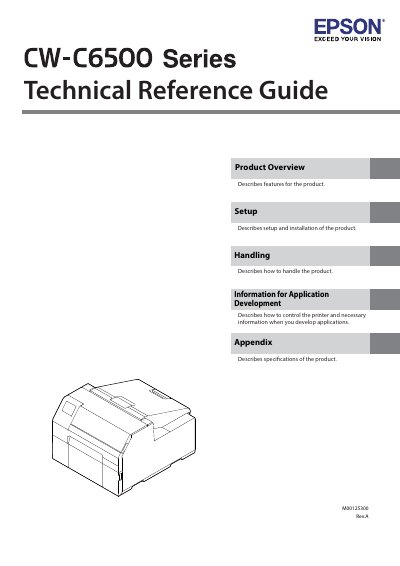
Epson CW-C6500 Series Technical Reference Guide
The document serves as a technical reference guide for the Epson CW-C6500 Series printer. It provides essential information on product features, setup procedures, installation requirements, and how to control the device for application development.
Additionally, the guide details specifications, handling instructions, safety precautions regarding power supply and environment, and maintenance information necessary for proper operation.
Epson CW-C6500 Series specifications
| Supported Series (4-inch) | CW-C6000Au, C6000Ae, C6010A, C6020A, C6030A, C6040A, C6050A |
|---|---|
| Supported Series (8-inch) | CW-C6500Au, C6500Ae, C6510A, C6520A, C6530A, C6540A, C6550A |
| Paper Tray C6000 Dimensions | 220 x 206 x 220 mm |
| Paper Tray C6500 Dimensions | 175 x 310 x 175 mm |
All Epson CW-C6500 Series documents by type
Day-to-day operation, settings and troubleshooting. Start here if the product is already set up.
Questions answered in these manuals
How many people are required to carry this product?
You must have at least two persons to carry the product because it is heavy.
What emergency steps should be taken if printer screen liquid gets into eyes?
Flush your eyes with clean water for at least 15 minutes and then consult a doctor.
Which models are included in the CW-C6000 Series?
The CW-C6000 Series includes models such as ColorWorks C6000Au, C6000Ae, C6010A, C6020A, C6030A, C6040A, and C6050A.
Which models are included in the CW-C6500 Series?
The CW-C6500 Series includes models such as ColorWorks C6500Au, C6500Ae, C6510A, C6520A, C6530A, C6540A, and C6550A.