
Key facts
Start here
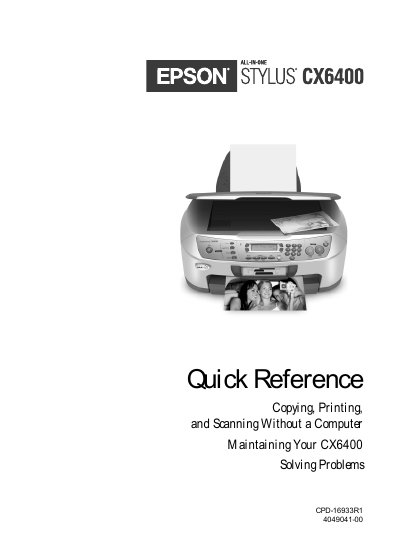
EPSON Stylus CS6400 multi-function all-in-one Quick Reference
This document serves as a quick reference guide for the EPSON Stylus CX6400 all-in-one device. It provides instructions on using the machine without a computer to make copies, print photos directly from digital camera memory cards, and scan documents to storage media.
The guide also covers essential maintenance tasks such as cleaning the print head and replacing ink cartridges, along with troubleshooting common problems and activating the security lock feature.
All Epson CS6400 documents by type
Mounting, wiring and first power-up. Read it before the hardware goes in.
Day-to-day operation, settings and troubleshooting. Start here if the product is already set up.
Questions answered in these manuals
Can I use the Stylus CX6400 without a computer?
Yes, you can make color or black-and-white copies and print photos directly from your digital camera's memory card just by placing your original on the glass and pressing a button.
From: EPSON Stylus CS6400 multi-function all-in-one Quick Reference
How do I activate the security lock?
To enable the security lock, you must first run the Security Lock program on a connected computer, then enter a 4-digit PIN code on the control panel.
From: EPSON Stylus CS6400 multi-function all-in-one Quick Reference
How do I install the ink cartridges?
Open the cartridge module, shake the cartridge, remove it, open the cartridge housing, place each cartridge in the corresponding slot and press until it clicks.
How do I load paper into the printer?
Slide the paper‑tray extension out, adjust the paper guides, place a stack of paper, then slide the tray back into place.