
This guide covers setup, installation, printer control, application development, specifications, and handling instructions for the Epson CW-C6500 Series…
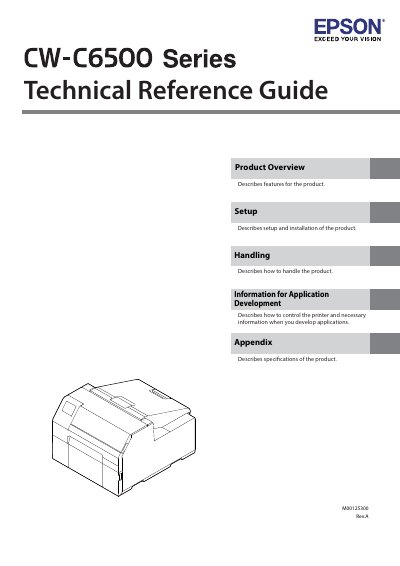
The document serves as a technical reference guide for the Epson CW-C6500 Series printer. It provides essential information on product features, setup procedures, installation requirements, and how to control the device for application development.
Additionally, the guide details specifications, handling instructions, safety precautions regarding power supply and environment, and maintenance information necessary for proper operation.
You must have at least two persons to carry the product because it is heavy.
Flush your eyes with clean water for at least 15 minutes and then consult a doctor.
You must hold the plug and not pull the cord when disconnecting it.