
Key facts
Start here
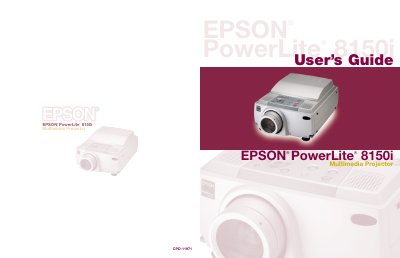
Epson PowerLite 8150i Multimedia Projector User's Guide
The EPSON PowerLite 8150i is a highly versatile presentation tool designed to connect to one or two computer sources and up to three video sources. It supports various applications such as Microsoft PowerPoint, Excel, and Word, allowing users to transfer presentations directly via the EasyMP.net feature over a network without needing a connected PC.
Read onlineEpson PowerLite 8150i specifications
| Computer Sources Supported | one or two computer sources |
|---|---|
| Video Sources Supported | up to three video sources |
| Audio Output | built-in stereo speaker system |
Source: Epson PowerLite 8150i Multimedia Projector User's Guide
All Epson PowerLite 8150i documents by type
Day-to-day operation, settings and troubleshooting. Start here if the product is already set up.
Questions answered in these manuals
Can I present without connecting a computer?
Yes, if connected to your network, you can use EasyMP.net features to transfer presentations directly to the projector and deliver them hands-free.
From: Epson PowerLite 8150i Multimedia Projector User's Guide
What applications are supported for direct projection?
The projector supports Microsoft PowerPoint, Excel, and Word, as well as certain types of image files.
From: Epson PowerLite 8150i Multimedia Projector User's Guide
Can I present without connecting a computer?
Yes, if connected to your network, you can use EasyMP.net features to transfer presentations directly to the projector.
From: Epson PowerLite 8150i Multimedia Projector User's Guide
What applications are supported via EasyMP.net?
It supports various Microsoft applications such as PowerPoint, Excel, and Word, as well as certain types of image files.
From: Epson PowerLite 8150i Multimedia Projector User's Guide