
Key facts
Start here
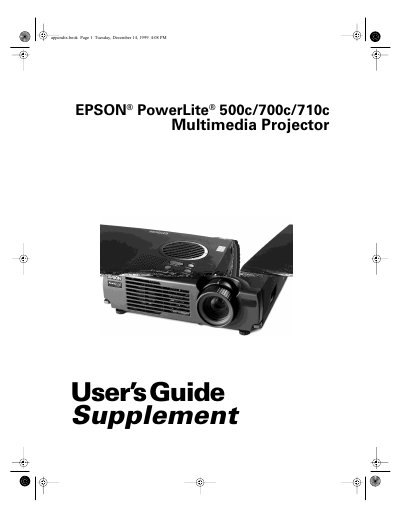
Epson PowerLite 710c Multimedia Projector User's Guide Supplement
This document is a supplement to the main User's Guide for the Epson PowerLite 500c, 700c, and 710c multimedia projectors. It focuses specifically on the setup and connection procedures for desktop computers and Macintosh systems, as well as connecting audio sources and external speakers. The guide details how to position the projector, identify ports, and connect various cables including computer video, audio, and mouse control cables.
Read onlineAll Epson 710c documents by type
Day-to-day operation, settings and troubleshooting. Start here if the product is already set up.
Questions answered in these manuals
What is this document for?
This supplement describes how to connect the projector to a desktop computer and turn everything on.
From: Epson PowerLite 710c Multimedia Projector User's Guide Supplement
Can I use the remote control as a mouse?
Yes, you can connect the mouse cable to use the remote control as a wireless mouse.
From: Epson PowerLite 710c Multimedia Projector User's Guide Supplement
What is the maximum distance allowed between the projector and a grounded electrical outlet?
The projector must be placed within 10 feet of a grounded electrical outlet or extension cord.
From: Epson PowerLite 500c/700c/710c Multimedia Projector User's Guide Supplement
What is the minimum horizontal distance required to project a 2.2-foot diagonal image?
You need a minimum horizontal distance of 2.2 feet (0.7 meter) from the projector to the screen.
From: Epson PowerLite 500c/700c/710c Multimedia Projector User's Guide Supplement
Can I connect this projector to a laptop computer?
No, for instructions on connecting to a laptop computer or external speakers, you must refer to your main User's Guide.
From: Epson PowerLite 500c/700c/710c Multimedia Projector User's Guide Supplement
What happens if I connect the projector to my desktop computer?
If you connect the projector to your desktop computer, you cannot view your images on the computer monitor.
From: Epson PowerLite 500c/700c/710c Multimedia Projector User's Guide Supplement