
Key facts
Start here
Epson Perfection 2480 Photo Scanner User Manual
User Manual 6 pages · 887 KB · EN
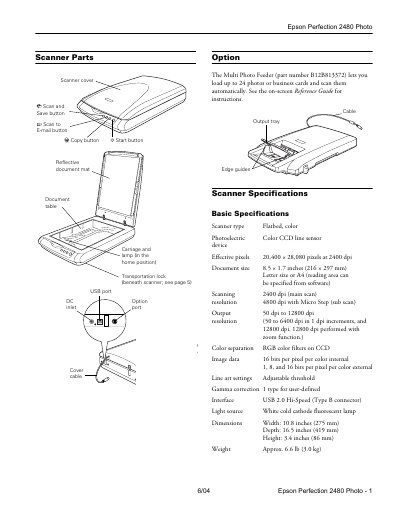
The document serves as a user guide for the Epson Perfection 2480 Photo flatbed color scanner. It details the physical components of the device, such as the scanner cover, reflective document mat, and Multi Photo Feeder option. The manual outlines basic specifications including scanning resolution up to 12,800 dpi with zoom and a USB 2.0 Hi-Speed interface.
Read onlineEPSON Perfection 2480 Photo specifications
| Scanner type | Flatbed, color Photoelectric device |
|---|---|
| Effective pixels | 20,400 x 28,080 pixels at 2400 dpi |
| Scanning resolution | 50 to 12,800 dpi |
| Interface | USB 2.0 Hi-Speed (Type B connector) |
| Power consumption | 17.0 W operating, 5.0 W sleep mode |
| Dimensions | Width: 10.8 inches, Depth: 16.5 inches, Height: 3.4 inches |
| Weight | Approx. 6.6 lb (3.0 kg) |
All EPSON Perfection 2480 Photo documents by type
User Manual 2
Day-to-day operation, settings and troubleshooting. Start here if the product is already set up.
Questions answered in these manuals
How many photos can the Multi Photo Feeder load?
The Multi Photo Feeder lets you load up to 24 photos or business cards and scan them automatically.
What is the maximum scanning resolution?
The scanner supports output resolutions from 50 dpi to 12,800 dpi.