
Key facts
Start here
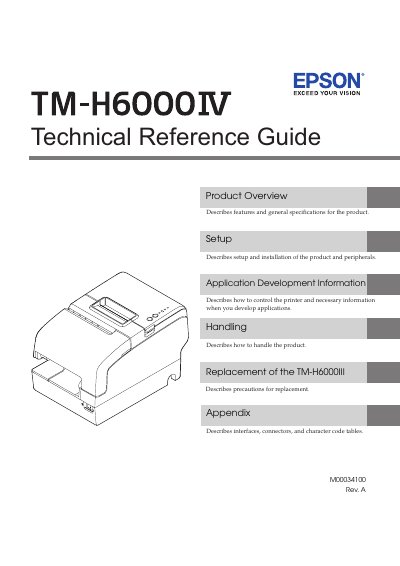
Epson TM-H6000III POS Printer Technical Reference Guide
The Epson TM-H6000III Technical Reference Guide provides detailed information for developers and technicians on controlling the printer and developing applications. It covers product setup, installation of peripherals, and the use of the proprietary ESC/POS command system.
The document includes comprehensive sections on hardware handling, replacement procedures, interface specifications, and character code tables to support the design and maintenance of POS systems.
All Epson TM-H6000III documents by type
Day-to-day operation, settings and troubleshooting. Start here if the product is already set up.
Questions answered in these manuals
Where should the printer be set up?
Set it on a firm, stable, horizontal surface. The product may break or cause injury if it falls.
From: Epson TM-H6000III POS Printer Technical Reference Guide
Is the MICR reader included on every model?
No. The MICR reader is a factory-installed option.
From: Epson TM-H6000III POS Printer Technical Reference Guide
How hot can the print head and motor get after printing?
The text warns that these parts can be very hot after printing for a long time.