
Key facts
Start here
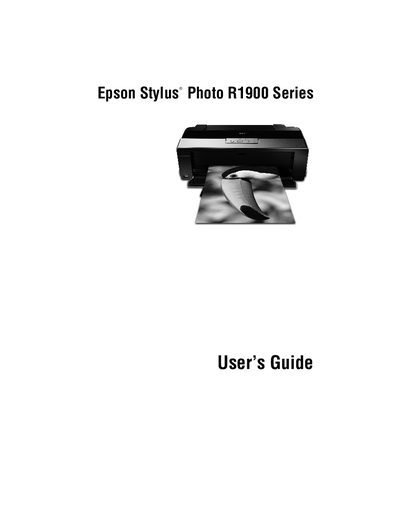
Epson Stylus Photo R1900 Series User Manual
The Epson Stylus Photo R1900 Series printer delivers archival-quality prints on a wide range of glossy and matte papers up to 13 × 44 inches. It features eight UltraChrome Hi‑Gloss 2 ink cartridges, two USB 2.0 ports, and advanced Radiance™ color technology.
This guide covers loading sheet and roll paper, printing from Windows or Macintosh, using color profiles, routine maintenance such as cleaning and aligning the print head, replacing ink cartridges, and solving common problems. It also includes FCC compliance information and where to obtain further help.
Epson R1900 specifications
| Maximum printable size | 13 x 44 inches |
|---|---|
| Maximum resolution | 5760 x 1440 dpi |
| Ink cartridges | Eight individual UltraChrome Hi‑Gloss 2 cartridges |
| USB ports | Two Hi‑speed USB 2.0 ports |
| FCC compliance | Class B digital device |
All Epson R1900 documents by type
Day-to-day operation, settings and troubleshooting. Start here if the product is already set up.
Questions answered in these manuals
How many ink cartridges does the R1900 Series use?
It uses eight individual UltraChrome Hi‑Gloss 2 ink cartridges.
What is the maximum paper size the printer can handle?
The printer can print on media up to 13 × 44 inches.
What is the procedure for replacing ink cartridges?
Open the printer cover, check the ink cartridge status, and follow the instructions in the "Replacing Ink Cartridges" section to remove the empty cartridge and install a new one.