
This manual provides operating instructions, setup guides, and maintenance procedures for the Epson CW-C6000 and CW-C6500 Series label printers.
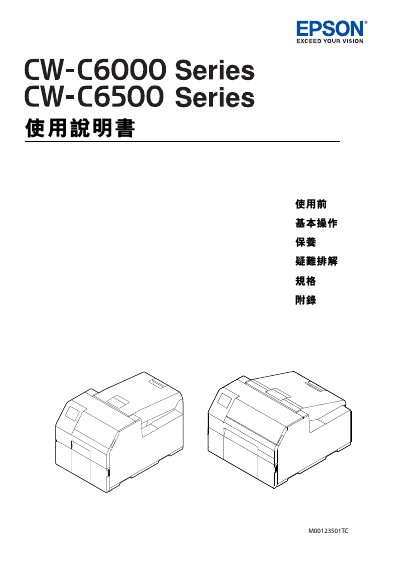
This document serves as the user guide for the Epson CW-C6000 Series (4-inch) and CW-C6500 Series (8-inch) label printers. It covers essential topics including safety precautions, hardware components, and basic operations such as turning the device on and off. The guide details how to load and remove media, manage ink levels, and use the printer's control panel and software utilities like Install Navi and EpsonNet Config. This manual is written in Chinese.
| Supported Series (4-inch) | CW-C6000Au, C6000Ae, C6010A, C6020A, C6030A, C6040A, C6050A |
|---|---|
| Supported Series (8-inch) | CW-C6500Au, C6500Ae, C6510A, C6520A, C6530A, C6540A, C6550A |
| Paper Tray C6000 Dimensions | 220 x 206 x 220 mm |
| Paper Tray C6500 Dimensions | 175 x 310 x 175 mm |
The CW-C6000 Series includes models such as ColorWorks C6000Au, C6000Ae, C6010A, C6020A, C6030A, C6040A, and C6050A.
The CW-C6500 Series includes models such as ColorWorks C6500Au, C6500Ae, C6510A, C6520A, C6530A, C6540A, and C6550A.