
This is a user manual for the HP Color Laser Multifunction M553n printer.
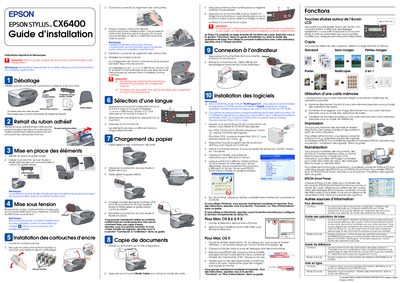
The guide walks users through unpacking the printer, verifying that all components are present, and connecting the power cord. It then details how to install ink cartridges, select the operating language, load paper, and perform basic copy functions.
Further sections cover connecting the printer to a computer via USB, installing the supplied software on Windows or Mac OS, and using advanced functions such as scanning, OCR, and memory‑card operations. Safety warnings and troubleshooting tips are included throughout. This manual is written in French.
Open the cartridge module, shake the cartridge, remove it, open the cartridge housing, place each cartridge in the corresponding slot and press until it clicks.
Slide the paper‑tray extension out, adjust the paper guides, place a stack of paper, then slide the tray back into place.
Connect the USB cable from the printer to the computer while the printer is powered off, then turn the printer on.