
This document is a user manual for Dell™ M209X projector, which provides information on precautions, connection methods, and usage instructions.
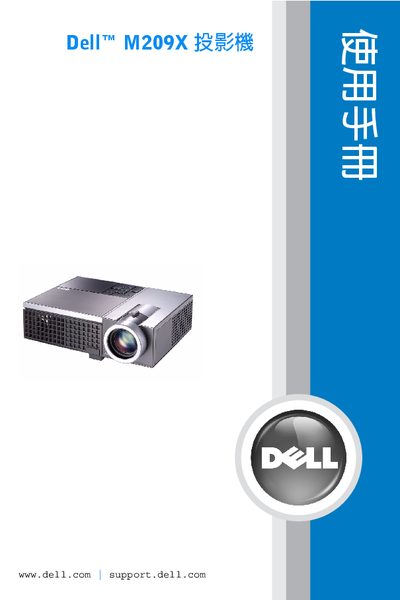
This user manual covers the Dell M209X projector (model M209X), revised A01 in May 2008. It lists the items included with the projector, provides safety notices, and describes the control panel and connections.
The manual explains how to connect the projector to a computer or DVD player, turn it on and off, adjust the image, use the remote control and on-screen display menus, troubleshoot problems, replace the lamp, and contact Dell for support. This manual is written in Chinese.
| Power cord length | 1.8 meters |
|---|
The package includes a 1.8-meter power cord, a VGA cable, two AAA batteries, a remote control, a user manual CD and documents, and a carrying case.
Use the power cord, VGA to VGA cable, and USB to USB cable.