
Dell Inspiron 3500 Port Replicator User's Guide
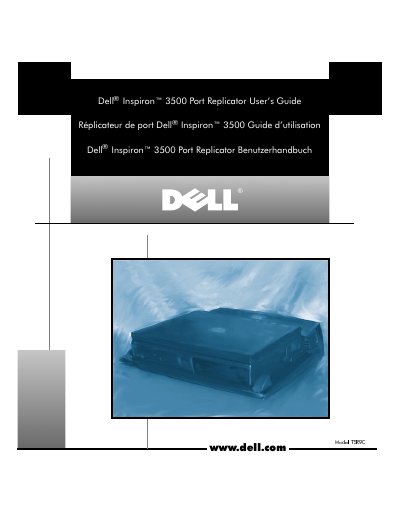
This guide explains how to connect external devices to the Dell Inspiron 3500 Port Replicator and attach the computer to it. It includes instructions for attaching peripherals like monitors, keyboards, and USB devices. Technical specifications such as dimensions, weight, and operating temperature are also provided.
The guide also includes safety and EMI information, noting that the device is designed for Class B residential environments and may cause interference if not properly positioned. Users are advised to consult the Dell manual or a technician if interference occurs.
| Height | 78 mm (3.07 inches) |
|---|---|
| Depth | 424.0 mm (16.69 inches) |
| Width | 400.0 mm (15.75 inches) |
| Weight | 2.0 kg (4.41 lb) |
| Operating Temperature | 5° to 35°C (41° to 95°F) |
| Storage Temperature | –20° to 65°C (–4° to 149°F) |
| Storage Relative Humidity | 20% to 90% (noncondensing) |
It integrates the Dell Inspiron 3500 portable computer into a desktop environment.
Use the diskette to upgrade the BIOS on the computer before attaching it to the port replicator.
Save all your work and exit all application programs.
Pull both release handles on the sides of the replicator to undock the computer.