
Dell Inspiron 3500 Port Replicator User's Guide
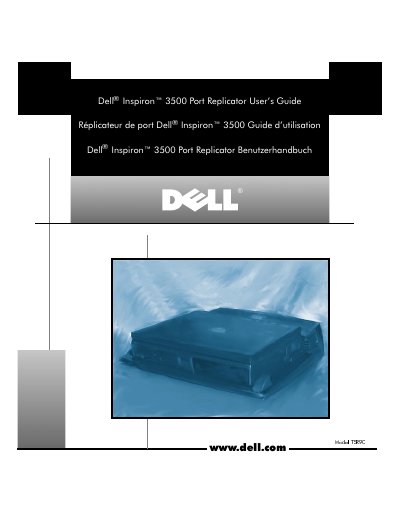
The Dell Inspiron 3500 Port Replicator User's Guide explains how to attach external devices to the port replicator and how to connect and detach the computer. It includes connector descriptions, step-by-step docking and undocking instructions, and technical specifications.
The guide also lists regulatory notices and notes about BIOS upgrades, network PC Cards, and SCSI PC Cards.
| Height | 78 mm (3.07 inches) |
|---|---|
| Depth | 424.0 mm (16.69 inches) |
| Width | 400.0 mm (15.75 inches) |
| Weight | 2.0 kg (4.41 lb) |
| Operating temperature | 5° to 35°C (41° to 95°F) |
| Storage temperature | –20° to 65°C (–4° to 149°F) |
| Storage relative humidity | 20% to 90% (noncondensing) |
| Expansion connector | one card-edge connector |
| Serial connector | one 9-pin male connector |
| Parallel connector | one 25-hole female connector |
| PS/2 keyboard/keypad connector | one 6-hole external keyboard connector |
| PS/2 mouse connector | one 6-hole external PS/2 mouse connector |
| Monitor connector | one 15-hole female connector |
| Audio jacks | one speaker-out, one line-in, one microphone-in |
| USB (dual) connector | two 4-pin connectors |
Connect each device to the matching connector on the back of the port replicator, then connect the devices to their power sources.
Save your work, shut down the computer, then pull both release handles on the sides to undock it.
Use the diskette to upgrade the BIOS on the Dell Inspiron 3500 before attaching the computer to the port replicator.
Install a network PC Card for a network connection, or attach a SCSI PC Card for a SCSI device.