
Dell™ D1000 Dual Display USB 3.0 Docking Station User’s Guide
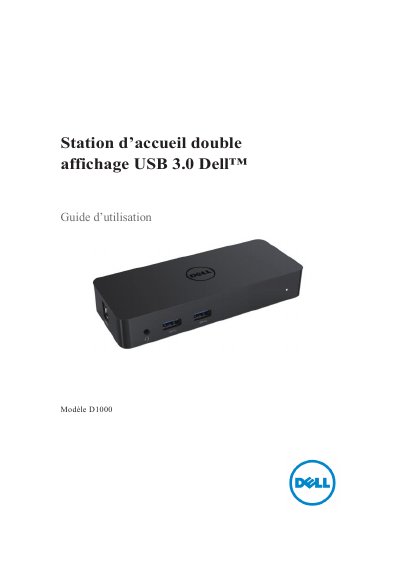
This manual covers the Dell D1000 Dual Display USB 3.0 Docking Station, detailing its specifications, system requirements, and recommended power adapters. It explains how to connect the device to a laptop and configure the dual display output using the DisplayLink management software. This manual is written in French.
| USB 3.0 Input | 1 X USB 3.0 (Type standard B) |
|---|---|
| USB 3.0 Outputs | 2 X USB 3.0 |
| USB 3.0 Multiport | 1 X USB 3.0 multiple port supportant BC 1.2 et charge de batterie 2.1A |
| Video Outputs | 1 X VGA, 1 X HDMI, 1 X Port d'affichage |
| Network | Gigabit Ethernet |
| Audio | Combo Audio (Casque/Mic) |
| Max Resolution | Supporte la sortie de double affichage |
| Power Output | 19,5VDC/2,31A |
| Operating Temperature | 40°C |
Check the connection cables, disconnect the power, wait 10 seconds, and reconnect.
Check the video connection cables and verify the video resolution settings in the control panel.
A white bright light indicates the device is in normal operating mode.
Download the latest version from the DisplayLink website or connect the docking station to Windows for updates.