
This document explains how to configure MAC filtering on a Cisco 4400 Series Wireless LAN Controller using the GUI and CLI, covering local and RADIUS-based…
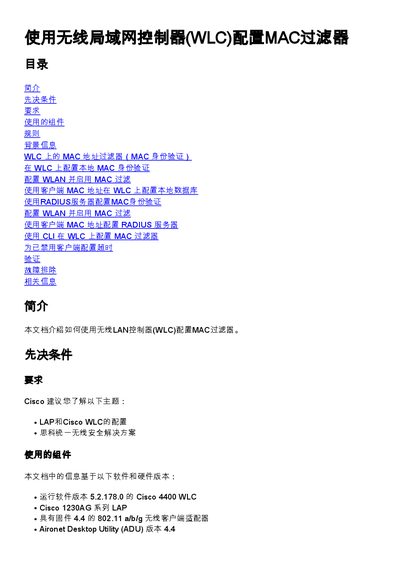
This document provides instructions on configuring MAC address filtering on a Cisco 4400 Series Wireless LAN Controller (WLC). It details how to set up local MAC authentication and RADIUS server-based MAC authentication to allow or deny access to WLANs based on client MAC addresses. The guide covers configuration steps using the controller GUI, including creating WLANs and defining security policies, as well as managing the local user database and RADIUS server settings. This manual is written in Chinese.
| Supported Software Version | 5.2.178.0 |
|---|---|
| Supported LAP Series | Cisco 1230AG Series |
| Default Local Database Limit | 512 entries |
| Maximum Local Database Limit | 2048 entries |
The default limit is 512 user entries, though it can be increased up to 2048 via CLI.
Navigate to Security > Layer 2 > Layer 2 Security Policies and select the MAC Filtering checkbox.
Use the command 'config macfilter add