
Cisco 4400 Series Wireless LAN Controller Quick Start Guide

This manual covers the installation, basic configuration, and initial setup procedures for Cisco 4402 and 4404 series Wireless LAN Controllers.
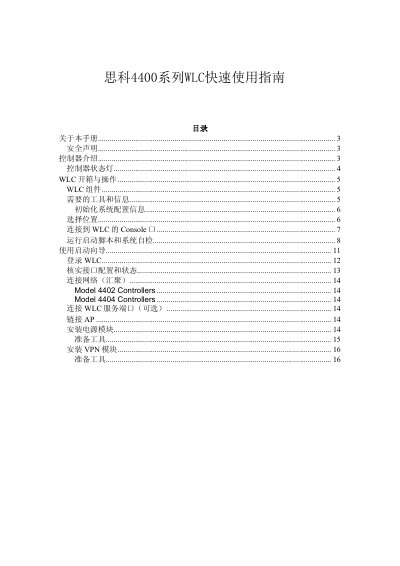

Cisco 4400 Series Wireless LAN Controller Quick Start Guide - cover page
Brand
Cisco
Document type
User Manual
Language
Chinese
Pages
16
File format
PDF
File size
213 KB
Updated
21 October, 2026
MD5 checksum
E2FA32ED7B8A0C1804533F56F07E7590

About this manual

This document serves as a quick start guide for the Cisco 4400 Series Wireless LAN Controller (WLC), specifically covering models 4402-25, 4402-50, 4404-25, 4404-50, and 4404-100. It provides essential information on hardware components, safety precautions, and the physical installation process. This manual is written in Chinese.

What's inside

  • Controller Introduction
  • Controller Status LEDs
  • Unboxing and Operation
  • System Initialization
  • Console Connection
  • Boot Script and Self-Test
  • Using the Setup Wizard

Frequently asked questions

What are the supported WLC models in this manual?

The manual covers models 4402-25, 4402-50, 4404-25, 4404-50, and 4404-100.

What are the default login credentials for the WLC?

The default username and password are both 'admin'.

What is the required baud rate for connecting to the Console port?

The console connection requires a baud rate of 9600.

Download PDF (213 KB)

More Cisco Manuals


View all Cisco manuals →