
This document is the user guide for the ViewSonic VX2640w LCD display, providing important information on installation and usage, as well as warranty coverage and product registration. The guide also includes TCO information, compliance information, important safety instructions, RoHS compliance declaration, and copyright information.
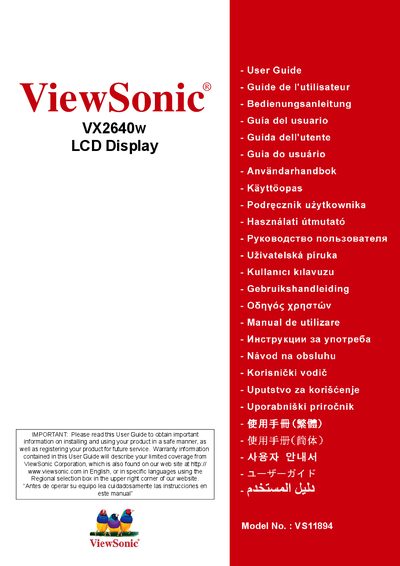
The ViewSonic VX2640w User Guide provides step‑by‑step instructions for installing and using the 25.5" LCD display safely. It includes safety warnings, compliance information, quick installation steps, and detailed menu navigation.
The guide also contains product registration details, warranty information, and contact numbers for service support in the United States, Mexico and other regions.
| Display Size | 25.5 inches |
|---|---|
| Model Number | VS11894 |
Product registration can be done online at www.viewsonic.com or via the ViewSonic Wizard CD‑ROM.
Warranty details are provided in the Limited Warranty section of the user guide.