
Key facts
- Brand
- TCL
- Model
- LCD32B66
- Category
- Television
- Documents
- 3
- Languages
- ZH
- Last added
- 2012-03-21
Start here
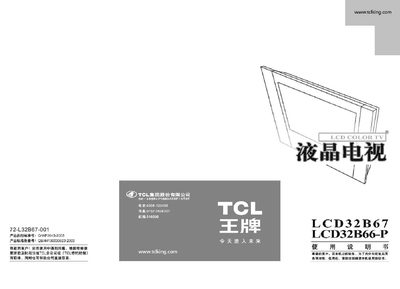
TCL LCD32B66-P liquid crystal TelevisionManual
This manual introduces the TCL LCD32B67-P high‑resolution LCD television, describing its key functions such as smart control, multiple video inputs, and energy‑saving features. It also contains safety warnings, proper handling of the LCD screen, and environmental requirements.
Installation sections show how to connect power, VGA/DVI/HDMI cables, and audio interfaces, while the specifications chapter lists electrical requirements, dimensions, audio output power, and supported broadcast standards. This manual is written in Chinese.
TCL LCD32B66 specifications
| Power Supply | 220V~ 50Hz |
|---|---|
| Operating Temperature | 5°C‑35°C |
| Overall Size | 90 cm |
All TCL LCD32B66 documents by type
Day-to-day operation, settings and troubleshooting. Start here if the product is already set up.
Questions answered in these manuals
What safety precautions should I follow for the LCD screen?
Do not press or apply force to the LCD screen, avoid direct sunlight, keep it away from water, and handle the screen gently.
What is the power requirement for this television?
The TV operates on a 220 V, 50 Hz power supply.
What voltage does the TV require for power?
The TV operates on a 220 V AC power supply.
How can I connect a computer to the TV?
The TV provides VGA and HDMI ports that can be used to connect a computer for high‑performance video display.
How do I connect a computer to this TV?
Connect the VGA or DVI signal to the TV's corresponding input port. Connect audio signals to the L/R audio inputs.
What video formats does this TV support?
It supports SDTV and HDTV formats including 480i, 576i, 720p, and 1080i.