
Key facts
- Brand
- TCL
- Model
- DTL46E9F
- Category
- Television
- Documents
- 2
- Languages
- ZH
- Last added
- 2012-03-22
Start here
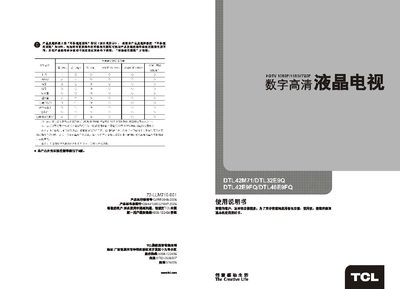
TCL DTL42M71 / DTL32E9Q / DTL42E9FQ / DTL46E9FQ User Manual
This manual provides safety instructions, a list of included accessories, and an overview of the main functions and features of the TCL DTL series digital high‑definition televisions. It describes the picture and audio capabilities, supported resolutions, and available input ports such as HDMI and VGA.
The document is organized into sections on remote‑control operation, basic power on/off procedures, menu navigation (image, audio, channel, settings), media‑center usage (USB playback of photos, music and video), and a troubleshooting guide for common issues like no picture, no sound, or signal interference. This manual is written in Chinese.
All TCL DTL46E9F documents by type
Day-to-day operation, settings and troubleshooting. Start here if the product is already set up.
Questions answered in these manuals
How do I access the media center to play USB files?
Enter the Media Center menu, then use the left/right keys to select USB playback for photos, music or video.
From: TCL DTL42M71 / DTL32E9Q / DTL42E9FQ / DTL46E9FQ User Manual
What should I do if there is no picture or sound?
Check the antenna or cable connections, verify the selected input source, and ensure the remote control is functioning; refer to the troubleshooting steps for further diagnosis.
What are the TV’s power requirements?
The television operates on 220‑240 V AC at 50/60 Hz and has a rated power consumption of 200 W.