
Key facts
- Brand
- TCL
- Model
- L46H78F
- Documents
- 2
- Languages
- ZH
- Last added
- 2012-03-21
Start here
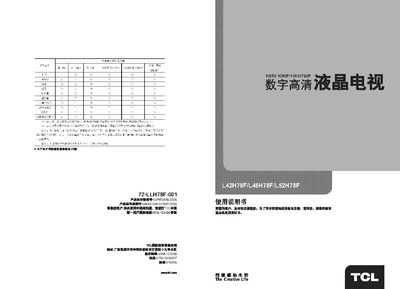
TCL L42H78F / L46H78F / L52H78F Television User Manual
This manual covers the TCL L42H78F, L46H78F, and L52H78F digital high‑definition televisions. It introduces the product, its main features and highlights the energy‑saving and high‑contrast display technologies.
The document includes safety warnings, detailed installation and connection diagrams, operation functions, technical specifications, and a troubleshooting section for common issues such as no picture or no sound. This manual is written in Chinese.
All TCL L46H78F documents by type
Day-to-day operation, settings and troubleshooting. Start here if the product is already set up.
Questions answered in these manuals
How should I clean the LCD screen?
Use a soft dry cloth and avoid chemical cleaning agents; do not apply liquids directly to the screen.
From: TCL L42H78F / L46H78F / L52H78F Television User Manual
What can I do if there is no picture or no sound?
Check that the TV is powered, verify the volume is turned up, and ensure the correct input source and cable connections are selected.
From: TCL L42H78F / L46H78F / L52H78F Television User Manual
What should I do if the TV shows no picture and no sound?
Check that the power cable is connected, the antenna or video source is properly attached, and that the TV is set to the correct input mode.
From: TCL L42H78FR / L46H78FR / L52H78FR Television User Manual
How can I change the picture mode on the TV?
Press the MENU button on the remote, navigate to "图像模式", then use the left/right keys to select Standard, Bright, Soft, or Custom.
From: TCL L42H78FR / L46H78FR / L52H78FR Television User Manual