
Key facts
- Brand
- TCL
- Model
- L20E72
- Documents
- 2
- Languages
- ZH
- Last added
- 2012-03-21
Start here
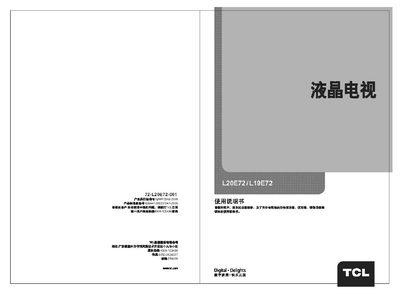
TCL L20E72/L19E72 Television User Manual
This manual introduces the TCL L20E72/L19E72 liquid‑crystal television, highlighting its compact size, low power consumption, and built‑in computer display functions. It explains the TV’s key features such as multiple video standards, HDTV support, and various input interfaces.
The document contains safety warnings, a detailed exterior diagram with connector descriptions, installation instructions, troubleshooting guidance, and a specification table that lists supported resolutions and input interfaces. This manual is written in Chinese.
TCL L20E72 specifications
| Audio output power | 4W + 4W |
|---|---|
| Working voltage | 220V 50Hz |
| Rated power consumption | 50W / 45W |
| Screen size (diagonal) | 50 cm / 48 cm |
| Operating temperature | 5 °C – 35 °C |
| Operating humidity | 20 % – 80 % |
| Storage temperature | -15 °C – 45 °C |
| Storage humidity | 10 % – 90 % |
| Receiving channels | 470 MHz full‑channel cable TV (DS1‑57CH – ZI‑Z38CH) |
| Supported TV standards | PAL, D/K |
| Supported AV standards | PAL, NTSC |
| Program memory | 200 presets (0‑199) |
| Screen display languages | Chinese, English |
| Antenna input impedance | 75 Ω unbalanced |
| AV video input | 75 Ω, 1 Vp‑p, RCA |
| AV audio input | 10 kΩ, 0.5 Vrms |
All TCL L20E72 documents by type
Day-to-day operation, settings and troubleshooting. Start here if the product is already set up.
Questions answered in these manuals
How can the TV be connected to a computer?
Use the VGA/XGA/YGA interface on the rear panel to connect the computer.
Why is there no picture but sound is present?
Adjust the brightness and contrast settings, and if the issue persists it may be due to a broadcast problem.
How can I fix a remote control that does not work?
Replace the batteries, ensure the battery polarity is correct, and verify that the TV’s power is on.