
Key facts
- Brand
- TCL
- Model
- L19V10B
- Category
- Other Electronics
- Documents
- 2
- Languages
- ZH
- Last added
- 2012-03-21
Start here
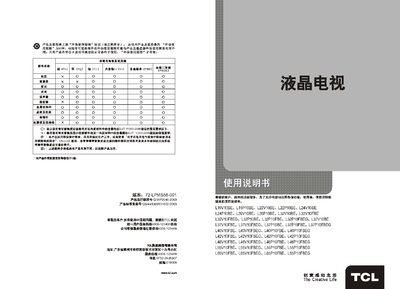
TCL L19V10BE/L19P10BE/L22V10BE/L22P10BE/L24V10BE/L24P10BE/L26V10BE/L26P10BE-L32V10BE/L32V10FBE/L32V10FBEG/L32P10BE/L32P10FBE/L32P10FBEG/L37V10BE-L37V10FBE/L37V10FBEG/L37P10BE/L37P10FBE/L37P10FBEG/L40V
This manual provides safety instructions, product features, technical specifications, and step‑by‑step operation guidance for TCL L‑series televisions. It includes details on connecting antennas, power, remote control usage, and configuring multimedia, karaoke, game and network channel functions.
The document also contains a troubleshooting section with common fault analysis and solutions, as well as FAQs about downloading media, setting download locations, and understanding green‑download mode. This manual is written in Chinese.
TCL L19V10B specifications
| Screen diagonal size | approx 46.5 cm |
|---|---|
| Rated power consumption | 35W |
| Operating temperature | 5°C~35°C |
| Working voltage | 220V‑50Hz |
All TCL L19V10B documents by type
Day-to-day operation, settings and troubleshooting. Start here if the product is already set up.
Questions answered in these manuals
How can I watch a movie or TV series after it has been downloaded?
After the download finishes, go to “My Movies” or “My TV series”, select the file and press the confirm key to start playback.
Can I change the download location for media files?
Yes, you can set the download folder in System → Function Settings → Download Settings.
How can I change channels?
Use the “Program +/–” keys on the remote or TV panel, or press the numeric keys to directly select a channel.