
Key facts
- Brand
- TCL
- Model
- D29M71
- Category
- Other Electronics
- Documents
- 2
- Languages
- ZH
- Last added
- 2012-03-22
Start here
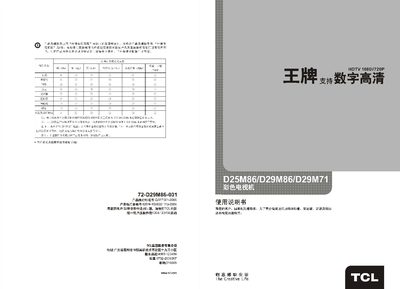
TCL D25M86 / D29M86 / D29M71 Color Television User Manual
The TCL D25M86, D29M86, and D29M71 color televisions offer a range of features such as HDTV support, multiple AV inputs, and a remote control with program navigation. This user manual guides owners through safe installation, basic and advanced operation, and maintenance of the TV sets.
Key sections include safety precautions, model features, technical specifications, remote‑control layout, connection diagrams, basic functions (power, channel search, picture adjustment), advanced functions (navigation, call‑forward, picture geometry), and a troubleshooting guide for common issues. This manual is written in Chinese.
TCL D29M71 specifications
| Screen size | 68 cm (diagonal) |
|---|---|
| Rated voltage | 220 V ~ 50 Hz |
| Dimensions (D25M86) | 711 mm × 494 mm × 549 mm (W×H×D) |
| Dimensions (D29M86/D29M71) | 781 mm × 527 mm × 600 mm (W×H×D) |
| Weight (D25M86) | 32 kg |
| Supported video formats | HDTV 1920×1080i60 Hz, 1920×1080i150 Hz, 1280×720p60 Hz |
| RF antenna input | 75 Ω unbalanced (VHF/UHF) |
| Audio output power | 6 W + 6 W (left/right) |
Source: TCL D25M86 / D29M86 / D29M71 Color Television User Manual
All TCL D29M71 documents by type
Day-to-day operation, settings and troubleshooting. Start here if the product is already set up.
Questions answered in these manuals
How do I turn the TV on and off?
Press the power key on the TV or remote to turn it on; press the same key again or the power key on the main unit to turn it off.
How can I change channels?
Use the channel up/down keys or press the numeric channel selection key to enter a channel number (0‑255) and confirm.