
Key facts
- Brand
- TCL
- Model
- LCD32A71
- Industry
- Electronics
- Documents
- 2
- Languages
- ZH
- Last added
- 2012-03-21
Start here
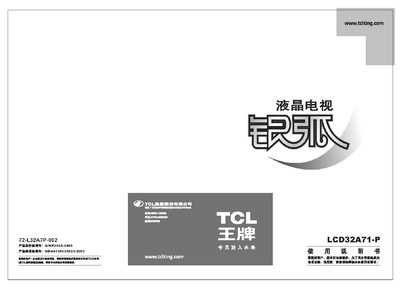
TCL LCD32A71-P Television User Manual
This manual begins with an introduction to the TCL LCD32A71-P television and outlines its key features such as high‑contrast display, multiple video inputs, and energy‑saving functions. It then presents detailed safety warnings, including precautions against water exposure, electrical hazards, and improper handling.
Subsequent sections describe the external layout, connection ports, and step‑by‑step installation procedures, followed by specifications, supported video standards, and a list of accessories included with the product. This manual is written in Chinese.
All TCL LCD32A71 documents by type
Day-to-day operation, settings and troubleshooting. Start here if the product is already set up.
Questions answered in these manuals
Can the TV be connected to a computer?
Yes, connect the computer via HDMI, DVI, or VGA ports as described.
What picture‑adjustment options are available?
You can adjust brightness, contrast, color temperature (Standard, Warm, Cool) and picture mode.