
Key facts
- Brand
- SONY
- Model
- DCR-PC115E
- Category
- Camcorders
- Industry
- Electronics
- Documents
- 2
- Languages
- JA
- Last added
- 2012-03-16
Start here
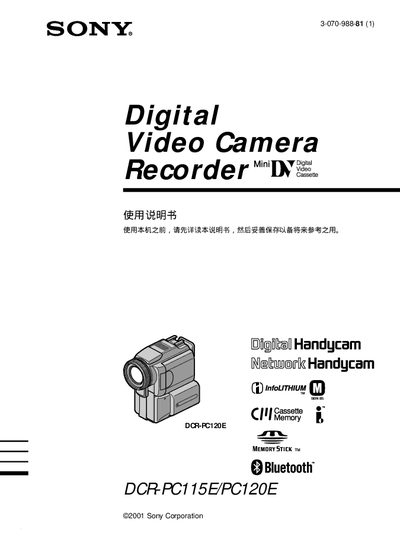
Sony DCR-PC115E / DCR-PC120E Handycam User Manual
This manual covers the basic operation of Sony's DCR‑PC115E and DCR‑PC120E Handycam camcorders, including how to power the device, insert Memory Stick media, and use built‑in features such as Bluetooth connectivity, night‑shot modes, and digital zoom. It also explains safety warnings, battery handling, and steps for connecting external accessories.
Additional sections describe advanced functions like BACK LIGHT shooting, PROGRAM AE, HiFi SOUND, and the use of Memory Stick for storing still images and video. A troubleshooting chapter provides common error solutions, and an index helps locate specific topics quickly. This manual is written in Japanese.
SONY DCR-PC115E specifications
| Storage Media | Memory Stick |
|---|---|
| Connectivity | Bluetooth, USB |
| Battery | Rechargeable battery pack |
| Video Format | MPEG |
| Audio | HiFiSOUND |
All SONY DCR-PC115E documents by type
Day-to-day operation, settings and troubleshooting. Start here if the product is already set up.
Questions answered in these manuals
How do I start recording with the Handycam?
Press the START button to begin recording; pressing STOP stops the recording.
How can I connect a Bluetooth device to the camcorder?
Use the Bluetooth function (listed as ⑳Bluetooth) to pair the camcorder with a compatible device.
How do I charge the camcorder?
Use the rechargeable battery pack and connect it to the charger as described in the charging battery section.
Can I use Bluetooth with this camcorder?
Yes, the camcorder supports Bluetooth; follow the Bluetooth connection instructions in the manual.