
Key facts
- Brand
- SONY
- Model
- DCR-HC27E
- Category
- Camcorders
- Industry
- Electronics
- Documents
- 2
- Languages
- ZH
- Last added
- 2012-03-16
Start here
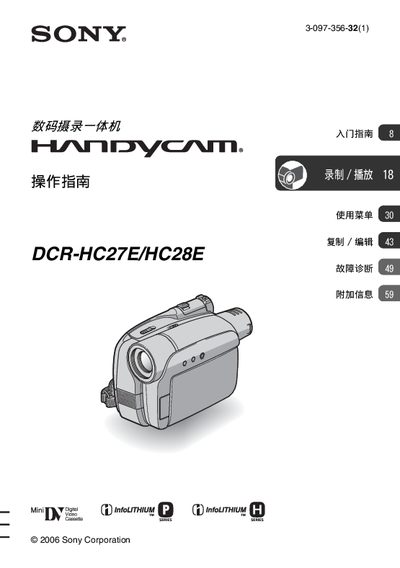
Sony DCR-HC27E/HC28E Camcorder User Manual
This manual explains how to safely set up and operate the Sony DCR‑HC27E/HC28E camcorder. It covers safety precautions, the items supplied with the camera, battery charging, power‑on procedures, LCD and viewfinder adjustments, language settings, date/time configuration, cassette insertion, and basic recording and playback functions.
Additional sections describe advanced features such as zoom, NightShot Plus, image effects, and the use of external accessories. The guide also includes a troubleshooting chapter, specifications, and regulatory information about hazardous substances. This manual is written in Chinese.
SONY DCR-HC27E specifications
| Battery type | NP‑FP30 rechargeable battery |
|---|---|
| Supported cassette type | MiniDV cassette with wnjdy logo (not compatible with Cassette Memory) |
| Lens | Carl Zeiss lens |
| Maximum cable length | 3 m |
| LCD pixel utilization | over 99.99 % usable pixels |
All SONY DCR-HC27E documents by type
Day-to-day operation, settings and troubleshooting. Start here if the product is already set up.
Questions answered in these manuals
What type of battery does the DCR‑HC27E/HC28E use?
It uses an NP‑FP30 rechargeable battery.
Can the camcorder be used in wet or humid conditions?
No, the device should not be exposed to water or moisture to avoid fire or electric shock hazards.
How do I charge the battery?
Connect the AC adapter to the DC IN jack, then slide the POWER switch to OFF (CHG); the CHG indicator will light while charging.
From: Sony DCR-HC27E/HC28E Digital Camcorder Operating Instructions
What type of tape can be used with this camcorder?
Only small DV cassettes bearing the official logo can be used; the camcorder is not compatible with Cassette Memory.
From: Sony DCR-HC27E/HC28E Digital Camcorder Operating Instructions