
This manual describes how to use the DCR-PC115E/PC120E digital video camera recorder. It includes the following: Main Features, Quick Start Guide, Before Using, Preparing Power, Inserting the Rechargeable Battery, Charging the Rechargeable Battery, Connecting to an AC Power Outlet, Inserting a Tape, Inserting a “Memory Stick”, Recording, Playing, Viewing Images on a Computer, Accessing the Internet with a Bluetooth Device, Other Uses.
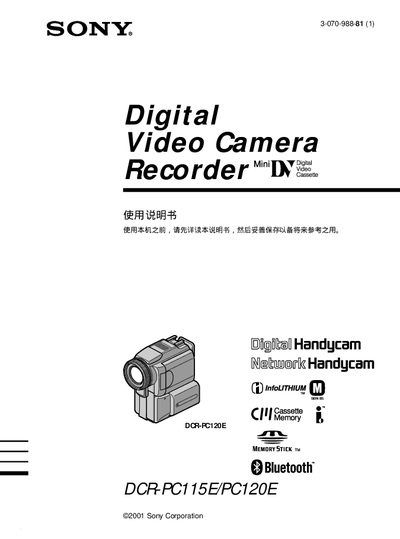
This manual covers the basic features of the DCR‑PC115E and DCR‑PC120E camcorders, including recording and playback of video and still images, use of Memory Stick storage, and optional Bluetooth connectivity. It also explains how to attach accessories such as the viewfinder, external microphone, and rechargeable battery pack.
The guide includes a quick‑start section, detailed operation steps for shooting modes (back‑light, night shot, program AE, etc.), playback functions (slide show, MPEG, HiFiSOUND), and a troubleshooting chapter with common error messages and solutions. An index and reference tables make it easy to locate specific functions. This manual is written in Japanese.
| Storage Media | Memory Stick |
|---|---|
| Connectivity | Bluetooth, USB |
| Battery | Rechargeable battery pack |
| Video Format | MPEG |
| Audio | HiFiSOUND |
Use the rechargeable battery pack and connect it to the charger as described in the charging battery section.
Yes, the camcorder supports Bluetooth; follow the Bluetooth connection instructions in the manual.
The camcorder records video and still images onto a Memory Stick.