
This is an instruction manual that introduces how to use DCR-PC115E/PC120E Digital Video Camera Recorder, including recording and playing animation or still images, reading images on the computer, and accessing the Internet through Bluetooth-enabled devices
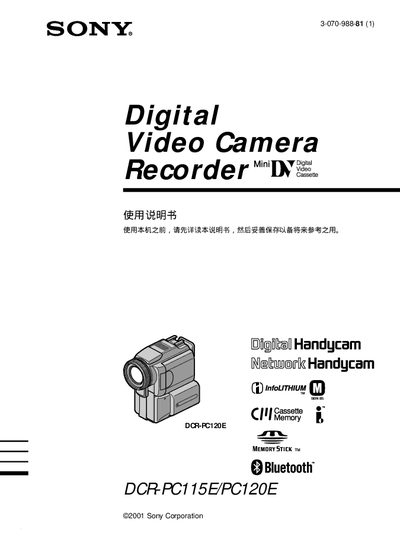
This manual covers the basic operation of Sony's DCR‑PC115E and DCR‑PC120E Handycam camcorders, including how to power the device, insert Memory Stick media, and use built‑in features such as Bluetooth connectivity, night‑shot modes, and digital zoom. It also explains safety warnings, battery handling, and steps for connecting external accessories.
Additional sections describe advanced functions like BACK LIGHT shooting, PROGRAM AE, HiFi SOUND, and the use of Memory Stick for storing still images and video. A troubleshooting chapter provides common error solutions, and an index helps locate specific topics quickly. This manual is written in Japanese.
| Supported storage media | Memory Stick |
|---|---|
| Wireless connectivity | Bluetooth |
Press the START button to begin recording; pressing STOP stops the recording.
Use the Bluetooth function (listed as ⑳Bluetooth) to pair the camcorder with a compatible device.
The camcorder records still images and video onto a Memory Stick.