
Key facts
- Brand
- Samsung
- Model
- TabA8
- Category
- Tablets
- Industry
- Electronics
- Documents
- 2
- Languages
- EN · ES
- Last added
- 2026-11-21
Start here
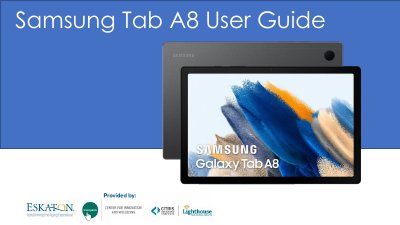
Samsung TabA8 Tablet User Guide
This user guide for the Samsung TabA8 tablet covers tablet hardware, turning the tablet on and off, restarting, charging, gestures, touch interaction, the navigation bar, keyboard, language, and writing functions.
It also provides instructions for taking photos and videos and for using YouTube, Google Chrome, Google Translate, and Zoom.
All Samsung TabA8 documents by type
Day-to-day operation, settings and troubleshooting. Start here if the product is already set up.
Questions answered in these manuals
How do you restart the Samsung TabA8 tablet?
Press down on the Power button for 3 seconds, then tap the green Restart button.
How do you charge the Samsung TabA8 tablet?
Plug the USB-C charging cable into the power adapter, connect it to the tablet charging port, and plug the adapter into a power source.
What should I do if the device becomes hot while charging?
Disconnect the charger, close open apps, wait for the device to cool, and then charge it again.
How can I help reduce overheating when I am not using wireless features?
Turn off Wi-Fi, GPS, and Bluetooth when you are not using them.