
The Samsung TabA8 Tablet User Guide explains tablet basics, photos and videos, YouTube, Google Chrome, Google Translate, and Zoom.
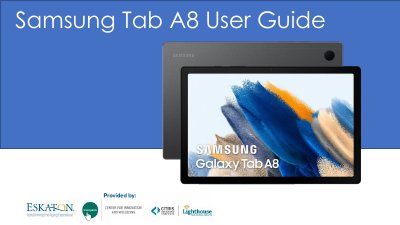
This user guide for the Samsung TabA8 tablet covers tablet hardware, turning the tablet on and off, restarting, charging, gestures, touch interaction, the navigation bar, keyboard, language, and writing functions.
It also provides instructions for taking photos and videos and for using YouTube, Google Chrome, Google Translate, and Zoom.
Press down on the Power button for 3 seconds, then tap the green Restart button.
Plug the USB-C charging cable into the power adapter, connect it to the tablet charging port, and plug the adapter into a power source.
Restarting the tablet is the first thing to try if you are experiencing issues.
Lightly press your finger on the tablet screen and drag across vertically or horizontally.