
Samsung SyncMaster 988MBplus Display User Manual

SyncMaster988MBplus User manual, including installation, cleaning and other content.
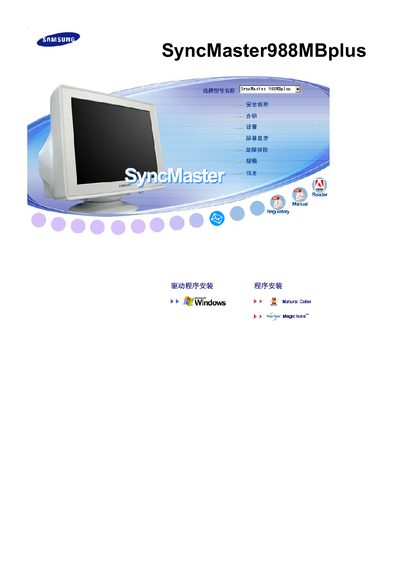

Samsung SyncMaster 988MBplus Display User Manual - cover page
Brand
Samsung
Category
Monitor
Document type
User Manual
Language
English
Pages
50
File format
PDF
File size
4.5 MB
Published
23 March, 2012
Updated
30 September, 2023
MD5 checksum
1F0B2C3B48916EE849830E562C268E29

About this manual

This manual explains how to install and use the Samsung SyncMaster 988MBplus monitor, covering safety information, connection methods, and basic operation. It includes details on picture adjustment features such as MagicTune™, MagicBright™, and MagicGreen.

The document also lists compliance and energy‑saving information, noting VESA mounting compatibility, ENERGY STAR certification, and supported display specifications like 1024 × 768 resolution at 60 Hz.

What's inside

  • Safety Information
  • Installation
  • Connecting the Monitor
  • Picture Settings
  • MagicTune
  • MagicBright
  • MagicGreen
  • VESA Mounting
  • Energy Saving
  • Troubleshooting

Specifications

Resolution1024 x 768
Energy CertificationENERGY STAR

Frequently asked questions

What resolution does the SyncMaster 988MBplus support?

It supports a resolution of 1024 × 768 pixels.

Does the SyncMaster 988MBplus have an ENERGY STAR rating?

Yes, it is ENERGY STAR certified.

Which picture enhancement features are included?

The monitor includes MagicTune™, MagicBright™, and MagicGreen technologies.

Download PDF (4.5 MB)

More Samsung Manuals


View all Samsung manuals →