
Key facts
Start here
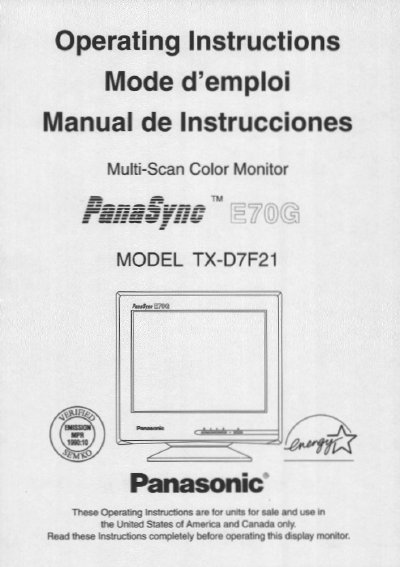
Panasonic TX-D7F21 Multi-Scan Color Monitor Operating Instructions
This document provides operating instructions for the Panasonic TX-D7F21 Multi-Scan Color Monitor. It details safety precautions, installation guidelines, and product care instructions to ensure safe and proper use of the device. The manual also includes a customer record section for serial number tracking.
Read onlinePanasonic TX-D7F21 specifications
| Viewable Image Size | 17" (16.0" / 40.6 cm) |
|---|---|
| Dot Pitch | 0.27 mm |
| Maximum Resolution | 1,280 x 1,024 |
| Horizontal Scanning Frequencies | 30 kHz to 70 KHz |
| Vertical Scanning Frequencies | 50 Hz to 160 Hz |
| Power Consumption (Stand-by) | 0.1 W |
Source: Panasonic TX-D7F21 Multi-Scan Color Monitor Operating Instructions
All Panasonic TX-D7F21 documents by type
Day-to-day operation, settings and troubleshooting. Start here if the product is already set up.
Questions answered in these manuals
What languages are available for the On-Screen Menu?
The On-Screen Menu is available in three languages: English, French, or Spanish.
From: Panasonic TX-D7F21 Multi-Scan Color Monitor Operating Instructions
How can the monitor be totally removed from power?
To totally remove power, the AC Power cord must be disconnected completely.
From: Panasonic TX-D7F21 Multi-Scan Color Monitor Operating Instructions
What languages are available for the On-Screen Menu?
The On-Screen Menu is available in three languages: English, French, or Spanish.
From: Panasonic TX-D7F21 Multi-Scan Color Monitor Operating Instructions
Can the monitor be used without a computer?
Yes, the display unit can be checked via the self-test menu displayed on the screen without a computer.
From: Panasonic TX-D7F21 Multi-Scan Color Monitor Operating Instructions