
Key facts
Start here
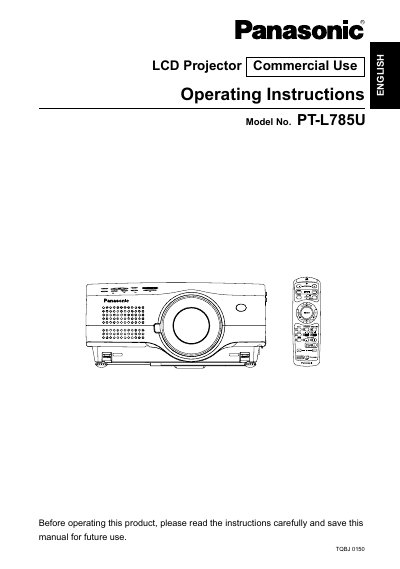
Panasonic PT-L785U LCD Projector Operating Instructions
This document provides operating instructions for the Panasonic PT-L785U LCD projector designed for commercial use. It includes safety notices, preparation steps, and guidance on connecting the projector to video equipment and computers. The manual details how to turn the device on and off, use the remote control unit, and adjust various settings via the on-screen menu.
Read onlineAll Panasonic PT-L785U documents by type
Day-to-day operation, settings and troubleshooting. Start here if the product is already set up.
Questions answered in these manuals
What voltage range is required to operate this projector?
The projector is designed to operate on 100 V - 240 V, 50 Hz/60 Hz AC house current.
From: Panasonic PT-L785U LCD Projector Operating Instructions
Can the supplied accessory power cord be used with 250 V power supplies?
No, the supplied cord can only be used for power supplies up to 125 V, 7 A; higher voltages require a separate 250 V power cord.
From: Panasonic PT-L785U LCD Projector Operating Instructions
What should I do if I notice smoke or strange smells from the projector?
Disconnect the power cord plug from the wall outlet immediately and do not continue to use the projector.
From: Panasonic PT-L785U LCD Projector Operating Instructions
Can I install the projector myself?
No, installation work such as ceiling suspension should only be carried out by a qualified technician.
From: Panasonic PT-L785U LCD Projector Operating Instructions