
This document provides operating instructions for a multi-function color laser printer, including features such as compatibility with Caller ID, language settings, and printing precautions.
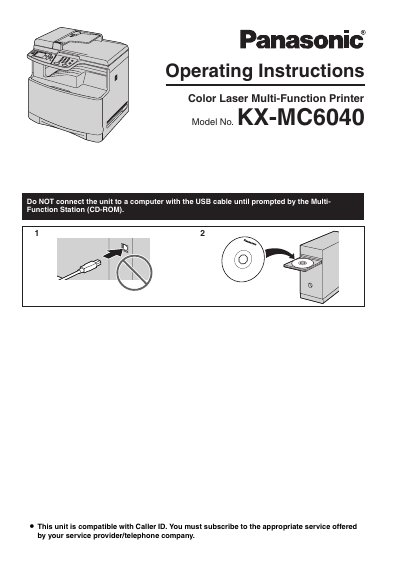
This document is the operating instructions for the Panasonic KX-MC6040 Color Laser Multi-Function Printer. It covers setup and operation of the printer, scanner, copier, and fax functions, including connections, initial programming, and routine use.
The manual also provides safety information, details on supplied and optional accessories, routine care, paper jam clearing, cleaning procedures, and general information such as printed reports and specifications.
| Weight | Approx. 30 kg (67 Ib) |
|---|---|
| Caller ID | Compatible |
English or Spanish, with English as the default setting.
Leave the power turned on for a minimum of 30 minutes after printing.