
This document provides information about the Panasonic KX-MC6040 color laser multifunction printer, including its compatibility and operating instructions.
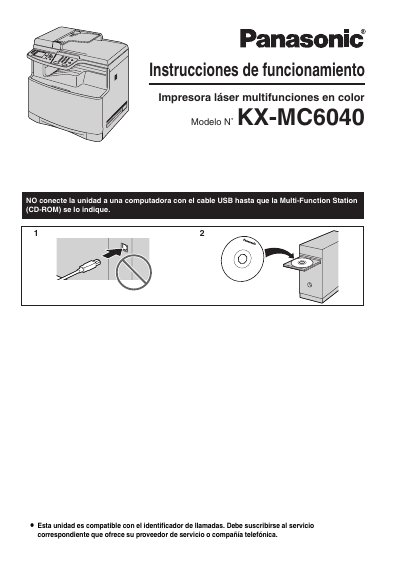
This document is the Spanish-language user manual for the Panasonic KX-MC6040 color laser multifunction printer. It provides comprehensive instructions on setting up the device, including installing toner cartridges and paper trays, connecting to a computer or network, and configuring basic settings like date, time, and logo. This manual is written in Spanish.
| Product Type | Color Laser Multifunction Printer |
|---|---|
| Weight | Approximately 30 kg (67 lb) |
No, do not use an eraser on the printer glass because it can stain.
The unit weighs approximately 30 kg (67 lb) and is recommended to be handled by two people.
No object should be placed within 10 cm (4 inches) of the right, left, or rear sides of the unit.