
These are instructions for operating the scanner, including information on installation and maintenance. It is recommended to read these instructions, the installation manual, and the maintenance manual carefully. Keep all documentation in a safe place for future reference. Store the CD-ROM in its protective case and avoid exposing it to sunlight or extreme heat, as well as scratching or smudging its surface.
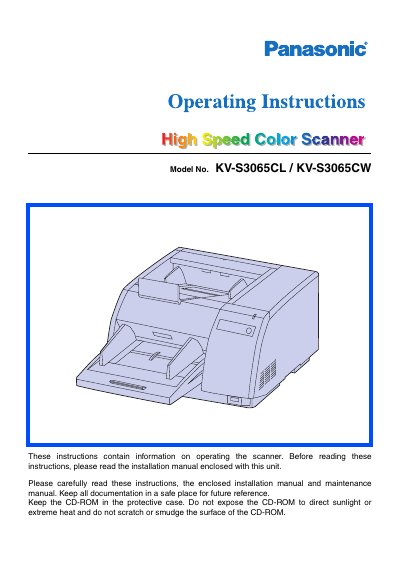
This document provides operating instructions for the Panasonic Hi-Ed Color Scanner, models KV-S3065CL and KV-S3065CW. It details system requirements for host computers, including CPU, memory, and operating system specifications for both SCSI and USB connections. The manual also includes important safety warnings regarding power sources and environmental conditions.
| CPU Minimum | Pentium II, 1 GHz |
|---|---|
| Memory Minimum | 256 MB |
| Display Resolution | 1024x768 dots or more |
| HDD Free Space | 1 GB or more |
No, it is not guaranteed to work if you connect the scanner to a USB hub.
You should use a USB 2.0 interface because the scanning speed of USB 1.1 is slow.
No, you must not duplicate currency, copyrighted material, or official documents like licenses and passports.