
Key facts
- Brand
- Panasonic
- Model
- AV-HS450N
- Category
- Network Switches
- Industry
- Computers
- Documents
- 4
- Languages
- EN
- Last added
- 2012-08-07
Start here
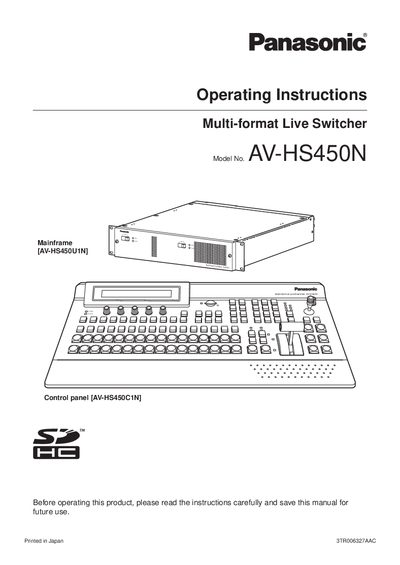
Panasonic AVHS450N manual
This document provides operating instructions for the Panasonic AV-HS450U1N Multi-format Live Switcher Mainframe. It details safety precautions, installation procedures for the control panel and mainframe, and how to install option boards. The guide explains various functions including background transitions, image effects, wipe patterns, and key transitions.
Read onlinePanasonic AV-HS450N specifications
| Rated Voltage | 7.2 kV, rms / 4.8 kV, rms |
|---|---|
| Rated Continuous Current | 630 A, rms |
| Rated Short-Circuit Breaking Current | 14 kA / 16 kA, rms |
| Opening Time | 8-25 msec |
Source: Panasonic AV-HS450N Manual
All Panasonic AV-HS450N documents by type
Day-to-day operation, settings and troubleshooting. Start here if the product is already set up.
Disassembly, diagnostics and part numbers, for repair.
Questions answered in these manuals
What are the applicable model numbers for this manual?
The manual covers Manual Operation Types HV6AS-U and HV6AS-L, as well as Motor Operation Types HV6AS-MU and HV6AS-ML.
Who is qualified to install or service this equipment?
Only qualified persons who are skilled in installation and operation, trained in safety practices, and authorized to perform the work should handle this equipment.
What are the applicable model numbers for manual operation?
The applicable model numbers for manual operation are HV6AS-U and HV6AS-L.
Who is qualified to install or service this equipment?
Only qualified persons who are skilled in installation and operation and trained in safety practices should install or service this equipment.
What is the model number of this switcher?
The model number is AV-HS450U1N.
Where is the SD memory card area located?
The SD memory card area is located in the control panel.