
This document is the user manual of Olympus digital camera, which introduces basic operations, basic shooting, advanced shooting, playback, printing, camera settings, etc.
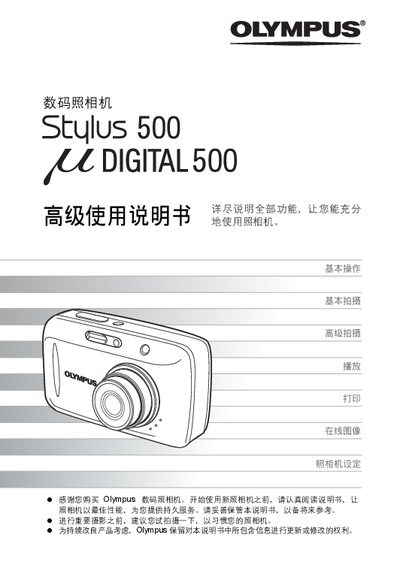
This manual provides step‑by‑step instructions for operating the Olympus Stylus 500 Senior digital camera. It covers basic operation, shooting modes, playback, and how to adjust settings such as language and image quality.
Additional sections describe how to connect the camera to a computer using Olympus Master software, print directly with PictBridge‑compatible printers, and troubleshoot common issues. The guide also includes an index and reference pages for quick navigation. This manual is written in Chinese.
| Storage Media | XD‑Picture Card |
|---|---|
| Printing Interface | PictBridge compatible printer |
Install Olympus Master software on your computer and use it to download, edit, view, and print images from the camera.
Yes, by using a PictBridge‑compatible printer you can print images directly from the camera.
Select the language option in the menu; the available languages depend on the region where the camera was purchased.