
This is an abstract of a user manual, which introduces the use of ECOSYS M5526cdn and ECOSYS M5526cdw.
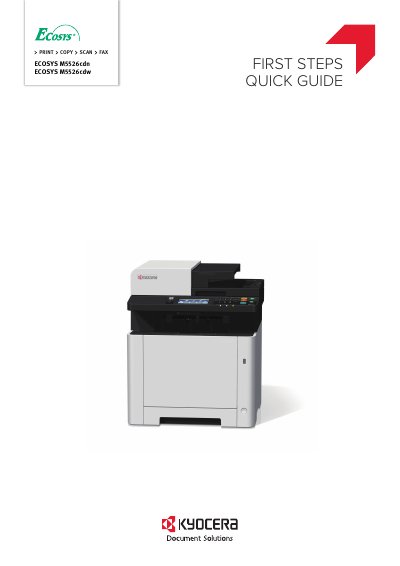
This user manual provides step-by-step instructions for setting up and operating the Kyocera ECOSYS M5526cdn and ECOSYS M5526cdw multifunction printers. It covers initial setup including language, date/time, and network configuration. The guide is designed for basic operations and directs users to a separate Operation Guide (B) for more detailed information. The manual is multilingual, with instructions provided in multiple languages including English, Spanish, French, German, and others.
The Startup Wizard helps set up the machine by configuring language, date/time, and network settings.
For more information, see Operation Guide (B) on the Product Library disc.