
This is an operation guide that explains how to operate the printer correctly, perform routine maintenance, and take simple troubleshooting measures as needed so that the machine can always be used in the optimum condition.
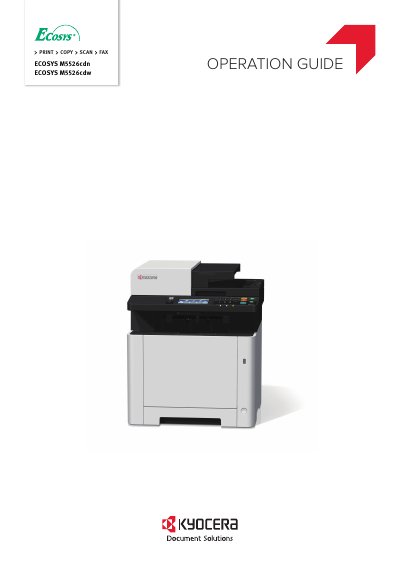
This Operation Guide from Kyocera explains how to operate the ECOSYS M5526cdn and ECOSYS M5526cdw machines correctly, perform routine maintenance and take simple troubleshooting measures so the machine can always be used in optimum condition. Kyocera recommends genuine Kyocera toner containers, since the use of non-genuine containers may cause failure.
The guide covers installing and setting up the machine, loading paper, printing from a PC, copying and sending documents, the functions available on the machine, checking status and canceling jobs, the System Menu settings, user login and job accounting, and troubleshooting with regular maintenance and adjustment.
| Functions | Print, Copy, Scan, Fax |
|---|---|
| 2-sided printing | Automatic 2-Sided Print Function |
| Wireless LAN | Wireless LAN connection supported (if equipped) |
Read the Operation Guide before using the machine.
Kyocera recommends genuine Kyocera toner containers; the use of non-genuine toner containers may cause failure.
The serial number is printed in the location shown in the figure, and you will need it when contacting your Service Representative.
Yes, the guide includes a section on setting up Wi-Fi Direct.