
This document is a quick start guide that introduces the basic operations of ECOSYS M2135dn ECOSYS M2635dn ECOSYS M2635dw ECOSYS M2040dn ECOSYS M2540dn ECOSYS M2540dw
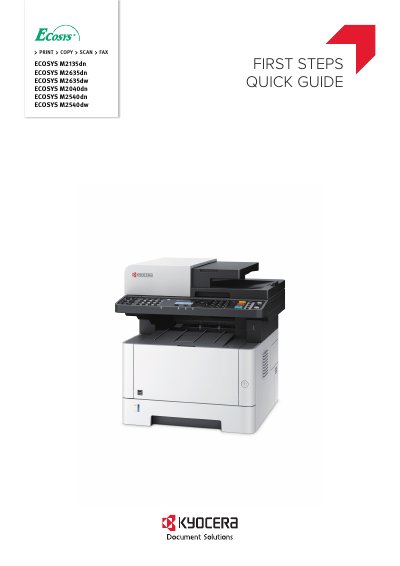
This document serves as a quick start guide for Kyocera ECOSYS multifunction printers, specifically models M2135dn, M2635dn, M2635dw, M2040dn, M2540dn, and M2540dw. It is designed to explain only the basic operations of the machine, such as unpacking, setting up the toner container, loading paper, and powering on the device.
The guide notes that included components may vary depending on the country or region. For detailed information beyond these basic steps, users are directed to consult the Operation Guide available on the Product Library disc.
This guide (A) only explains the basic operations of the machine.
For other information, see Operation Guide (B) on the Product Library disc.