
Kyocera ECOSYS M2135dn, M2040dn, M2635dn, M2635dw, M2540dn, M2540dw User Manual

User manual for Kyocera ECOSYS multifunction printers covering operation, maintenance, troubleshooting, and warranty details.
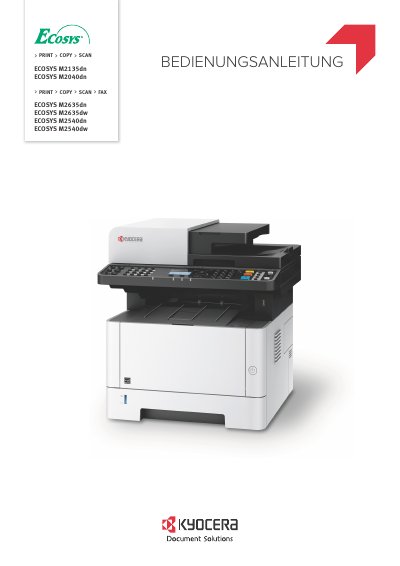

Kyocera ECOSYS M2135dn, M2040dn, M2635dn, M2635dw, M2540dn, M2540dw User Manual - cover page
Brand
Kyocera
Category
Printer
Document type
User Manual
Language
German
Pages
418
File format
PDF
File size
58.1 MB
Published
06 November, 2026
Updated
06 November, 2026
MD5 checksum
1199F652DA23D662D9D6E19C33EC3048

About this manual

This manual provides instructions for operating, maintaining, and troubleshooting Kyocera ECOSYS multifunction printers. It includes warranty terms, safety guidelines, and technical specifications. Users are advised to use only original Kyocera toner to avoid damage and ensure optimal performance. The manual also outlines procedures for handling device malfunctions and contacting customer support. This manual is written in German.

What's inside

  • Introduction
  • Warranty Information
  • Device Operation
  • Maintenance and Care
  • Troubleshooting
  • Customer Support
  • Garantiebedingungen (Warranty Conditions)

Frequently asked questions

What toner should I use with this printer?

Use only Kyocera original toner cartridges to avoid damage and ensure optimal performance.

Where can I find the device's serial number?

The serial number is located at the position shown in the illustration and should be known when contacting customer support.

Download PDF (58.1 MB)

More Kyocera Manuals


View all Kyocera manuals →